
VoIP vs landline: the key differences, pros and cons, and which suits your business
Whether you are replacing an ageing phone system or setting one up for the first time, the choice shapes how customers reach you, how your team works and what you spend each month. For most UK businesses it comes down to VoIP or a landline.
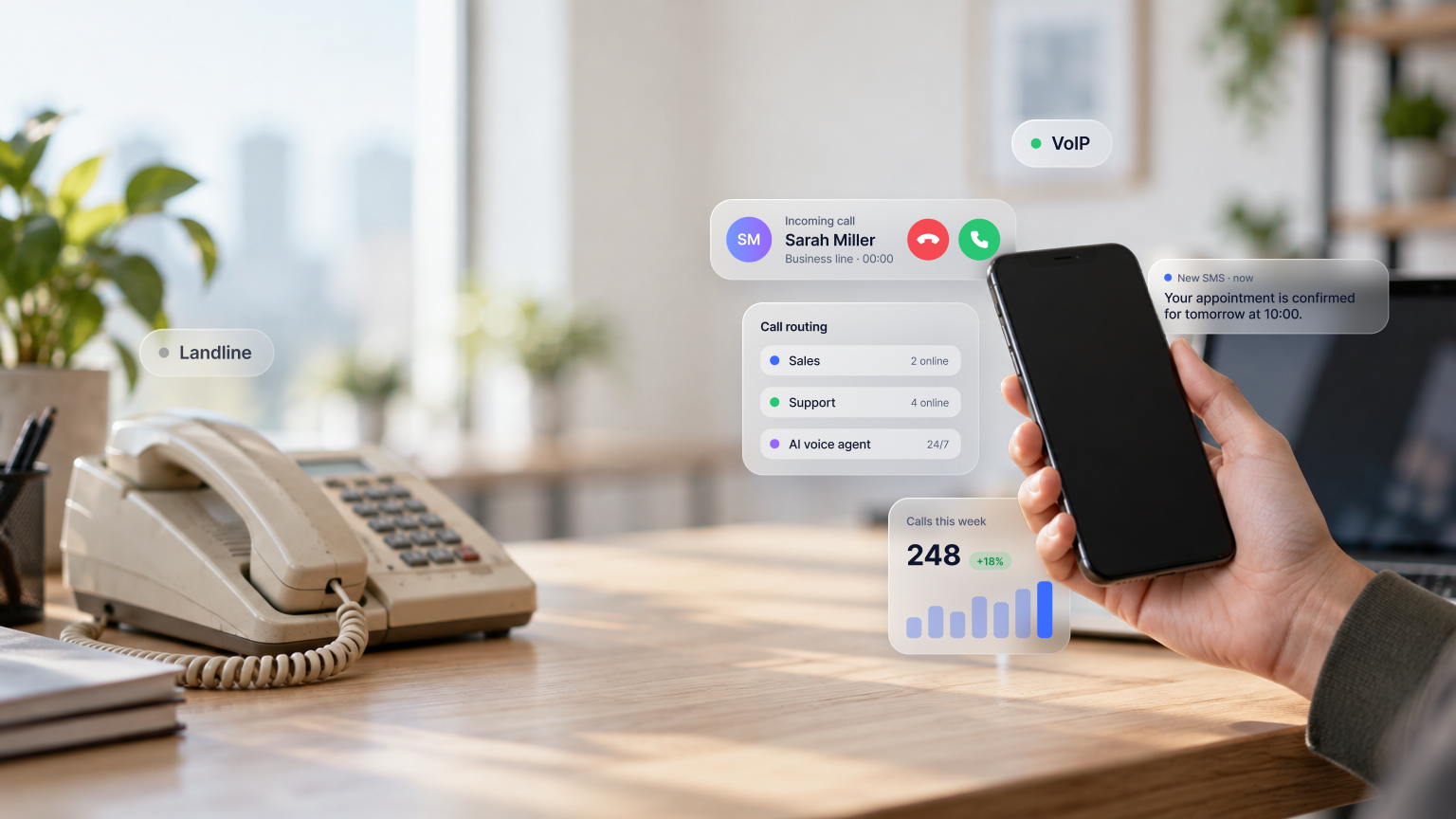
A landline carries calls over a physical line to a fixed socket, and its strength has always been predictability. VoIP carries calls over the internet, so the same business number can ring on a desk phone, a laptop or a mobile. It costs less to scale, takes minutes to change and suits teams that are not all in one room.
This guide explains how each works, compares them on eight points that matter day to day, and shows which setup fits which kind of business. One UK fact frames the decision: the copper telephone network closes on 31/01/2027, so most traditional landlines will become digital lines whatever their owners decide. The final section covers what that means in practice.
VoIP vs landline: the key differences at a glance
VoIP | Landline | |
How it works | Calls travel as data over an internet connection | Calls travel as an analogue signal over copper to the exchange |
Mobility | Answer and make calls on a mobile, laptop or desk phone, anywhere with a connection | Calls ring at the socket; nothing follows you out of the building |
Cost | Per-user monthly subscription; little or no hardware | Line rental per line, call charges, PBX purchase and maintenance |
Setup | Minutes for a new number in an app; no engineer needed | Engineer visit, wiring, and handsets for every line |
Scalability | Add or remove users and numbers from a dashboard | Each new line is a new order and often new wiring |
Features | Routing, IVR, recording, analytics, CRM integration, multiple numbers per phone | Calls, voicemail, caller ID; anything more needs extra hardware |
Security | Encryption and access controls managed by the provider | Physically secure line; any PBX security is your responsibility |
Reliability | Depends on the connection; calls can fail over to mobiles | Independent of the internet; a line fault or PBX failure stops all calls |
Call quality | Clear on a stable connection | Clear on good copper; ageing lines crackle |
Future in the UK | The standard for all phone lines | The PSTN closes on 31/01/2027 |
What is VoIP?
Voice over Internet Protocol, or VoIP, is the technology that carries phone calls over an internet connection instead of a traditional phone line. If you have made a call on Teams or WhatsApp, you have used VoIP.
A business VoIP system is software. Your team installs the provider’s app on their mobiles and laptops (often called a softphone), or plugs IP desk phones into the office network, and each user gets one or more business numbers. Those can be ordinary UK numbers: an 020 London or 0161 Manchester geographic number, a non-geographic 03 number, or a 07 mobile number.
Most business VoIP systems include features a traditional phone line cannot offer:
- Call routing to send each call to the right person or team without manual transfers
- Auto-attendant or IVR, a phone menu that lets callers choose where to go (“For sales, press 1”)
- Ring groups and queues, so several colleagues can answer the same number
- Call recording, for training, quality control and records
- Mobile and desktop apps, so staff can take business calls anywhere
- CRM integrations that log each call against the right contact automatically
- Call analytics showing volume, missed calls and response times
- Voicemail to email or transcript
How does VoIP work?
VoIP converts your voice into small packets of digital data, sends them across the internet and turns them back into sound at the other end, in real time. A call needs roughly 100 kbit/s in each direction, a fraction of any modern broadband or 4G connection. It works over Wi-Fi, Ethernet or mobile data, and the person you are calling cannot tell the difference: they see your business number and hear an ordinary call.
Pros and cons of VoIP
Pros
- Calls follow staff on any device, in or out of the office
- Lower and more predictable costs, priced per user
- Add users and numbers in minutes, without an engineer
- Advanced features included as standard
- Built for remote, hybrid and field teams
- Updates and maintenance handled by the provider
Cons
- Needs a stable internet or mobile data connection
- Call quality depends on that connection
- Desk phones and routers stop in a power cut unless backed up (mobiles keep working)
What is a landline?
A landline is a traditional phone service delivered over a physical line to a fixed address. It provides voice calls, voicemail and caller ID.
How do landlines work?
A landline carries your voice as an analogue electrical signal over a copper pair running from your premises to the local telephone exchange, which connects it to the Public Switched Telephone Network (PSTN). Offices with several phones have typically used ISDN instead: ISDN2 for a couple of channels, ISDN30 for up to 30 simultaneous calls, feeding an on-premises private branch exchange (PBX) in a comms cupboard.
Setting one up means an engineer installing lines and sockets, desk phones wired to the wall and, for a multi-line office, the PBX hardware that handles extensions and transfers. Once installed, the system stays tied to that building. Adding a line or moving a phone usually brings the engineer back.
Pros and cons of landlines
Pros
- Independent of your internet connection
- A basic corded phone on copper kept working in a power cut, because the exchange powered the line
- Familiar and simple to use
Cons
- Calls are tied to one location
- Few features without extra hardware
- High costs to install, maintain and expand
- Every change needs an engineer
- Being withdrawn in the UK: the PSTN closes on 31/01/2027, and Openreach has already roughly doubled wholesale rental on legacy lines compared with 2025 (Openreach)
8 key differences between VoIP and a landline
1. Mobility
With a landline, the phone number lives at a socket. If the person a call is meant for is at a client site, on a train or working from home, the call goes to voicemail or to whoever happens to be nearest. Forwarding to a mobile helps a little, but the caller hears a delay, the call cannot be transferred back to a colleague, and outbound calls show a personal number.
With VoIP, the business number rings on the user’s mobile app, laptop and desk phone at once, and they answer on whichever is to hand. Outbound calls show the business number from any device. For a sales team, that is the difference between a missed inbound lead and a call answered in the car park.
2. Cost
VoIP needs little or no upfront spend. You pay a monthly fee per user, staff use phones and laptops they already have, and the provider handles maintenance and upgrades. A landline is paid for line by line, and a multi-line office also carries the cost of buying, servicing and eventually replacing a PBX.
Cost factor | VoIP | Landline |
Upfront | Low to none; desk phones and headsets optional | Handsets, wiring, PBX and installation |
Monthly | Per-user subscription, UK calls often included | Rental per line plus call charges; legacy line rental roughly doubled through 2026 |
Maintenance | Included; provider updates remotely | Engineer visits and PBX maintenance contracts |
International calls | Usually low per-minute rates, varying by provider and destination | Typically higher per-minute rates |
Adding a person | One more licence | A new line, a handset and possibly an engineer |
3. Hardware
A landline system needs hardware for every user. VoIP runs on devices the team already owns, with desk hardware as an option.
VoIP hardware (all optional) | Landline hardware (required) |
Desk phone, for anyone who prefers a handset on the desk | A wired desk phone for every user |
Conference phone, for meeting rooms | Cabling and wall sockets to each desk |
Headset, for staff on calls all day | An on-premises PBX for extensions and transfers |
4. Scalability
VoIP scales from a dashboard. A new starter gets a number and the app on day one; a new office gets a local number without a single cable; a seasonal team can be added for three months and removed afterwards. Ring groups and shared numbers let more people answer the same line as call volume grows. Growing a landline system means new lines, new handsets and, past a certain size, a bigger PBX.
5. Setup
A new VoIP number can be live in minutes: create the user, download the app, sign in. Moving an existing number across (porting) takes a few working days, during which the old line keeps working. A landline installation needs an engineer appointment, and a new office may need cabling before the first call.
6. Features
The biggest day-to-day gap is what each system does beyond ringing.
Feature | VoIP | Landline |
Voice calls | Yes | Yes |
Caller ID | Yes | Yes |
Voicemail | Digital, with email or transcript delivery | Basic |
Call routing and IVR | Yes | Limited; needs PBX hardware |
Ring groups and queues | Yes | Limited; needs PBX hardware |
Several numbers on one phone | Yes | No |
Call recording | Yes | Needs extra equipment |
Mobile and desktop apps | Yes | No |
CRM integration | Yes | No |
Call analytics | Yes | No |
Opening hours and holiday rules | Yes, set in a dashboard | Manual divert |
7. Security and compliance
Because VoIP runs over the internet, it needs internet-grade protection. Reputable providers encrypt calls and data, offer user roles and permissions, monitor for fraud and block suspicious international dialling. For UK businesses, two compliance points matter: where call data and recordings are stored, and whether recording follows UK GDPR and the rules the ICO sets out. Ask any provider where your data is hosted.
A landline line is physically hard to intercept, but an on-premises PBX is a common target for toll fraud, and patching, passwords and access are your responsibility. That works with in-house IT; most small businesses do not have it.
8. Reliability and call quality
On a stable connection, VoIP call quality matches or beats an ageing copper line. Jitter and packet loss cause most problems, and a router that prioritises voice traffic fixes the majority. Reliability does not depend on one box in a cupboard: if the office broadband drops, calls can fail over automatically to mobiles on 4G or 5G.
The landline’s traditional edge was power cuts, since the exchange powered the copper. Digital lines need mains power. Ofcom requires UK providers to offer customers who depend on their landline at least one free solution, usually a battery back-up unit, that keeps emergency calls working for at least an hour (Ofcom). For a business, mobiles on the same numbers are the simpler backup.
Which phone system fits your business? Real scenarios
Where calls are taken matters more than headcount.
Your business | Best fit | Why |
Sole trader or consultant on the move | Cloud phone system with a business number on your mobile | Business and personal calls kept apart on one handset; no line rental |
Sales team of 5 to 50, partly remote | Cloud phone system with CRM integration and recording | Calls follow the rep; every call logged against the deal |
Shop, café or salon with one counter phone | Digital landline, plus the app on the owner’s mobile for out-of-hours calls | Least change at the counter; flexibility after closing |
Office of 20+ on ISDN30 and a PBX | Hosted PBX, or SIP trunks if the PBX is recent and supported | Keeps extensions and handsets; removes ISDN rental |
Support or reception line | Cloud system with IVR, queues and opening-hours rules | Callers reach the right team; nothing rings out unanswered |
Multi-site business (branches, clinics, agencies) | Cloud phone system with local numbers per site | One admin view, local presence, transfers between sites |
Rural premises with weak broadband | Mobile-first setup, with a 4G/5G router as backup | Calls run on mobile coverage rather than a poor fixed line |
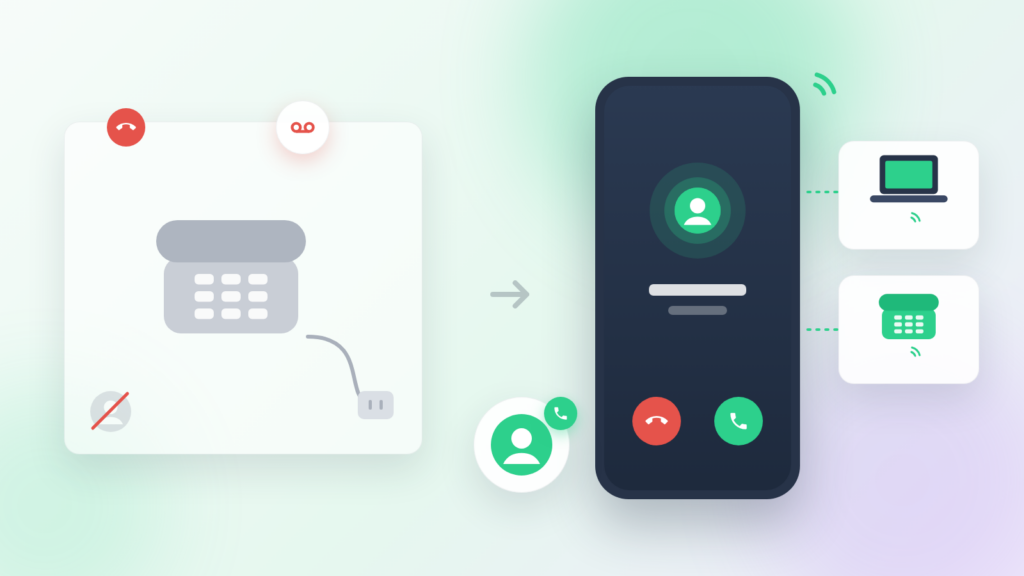
For most small businesses the deciding question is simple: if calls are already being taken on mobiles, a landline diverted to a mobile only adds a bill and a point of failure. A desk phone earns its place where the phone is shared, at a reception desk or a counter, or where staff rarely leave one site.
What to look for in a UK VoIP provider
- UK numbers of every type: local geographic business numbers for each city you serve, 03 numbers, and 07 mobile numbers if your team calls from the road.
- Number porting: the provider should move your existing numbers across and keep the old line live until the transfer completes. Our guide to switching from landline to VoIP covers the steps.
- Proper mobile apps: business calls on staff mobiles through a mobile app, with the business number shown on outbound calls and personal and work calls kept separate.
- Call routing, IVR and opening hours you can change yourself from an admin dashboard.
- Call recording with clear controls for UK GDPR compliance (see the conditions that make recording lawful).
- CRM integrations with the tools you already use, such as HubSpot, Salesforce or Pipedrive, so calls are logged without manual entry.
- Data hosting: know where your call data and recordings are stored; UK or EU hosting simplifies compliance. Check the provider’s legal and compliance information.
- Flexible terms: monthly plans without long contracts or minimum line counts.
- Support that answers when something goes wrong, in your working hours, backed by a help centre.
Onoff Business: a cloud phone system built around the mobile
Onoff Business gives each member of your team UK business numbers in an app on the phone they already carry, alongside their personal number on the same handset. Calls and texts go out from the business number, routing and opening hours are managed from one dashboard, and call activity syncs to CRMs such as HubSpot, so every conversation is logged against the right contact. Data is hosted in Europe.
It suits teams that spend more time on the move than at a desk: field sales, consultants, agencies and growing SMEs replacing a landline without buying new hardware.
Moving from a landline: numbers, equipment and the 2027 deadline
Your number comes with you. UK geographic and 03 numbers can be ported to a VoIP provider, usually within a few working days. Customers keep dialling the number they know.
Check what else uses the line. Phones are rarely the only thing on copper. Openreach lists fire and intruder alarms and payment terminals among equipment that must move to digital, and reports more than 12,000 lift lines and around 500 CCTV lines still on the old network (Openreach). Ask your alarm company, merchant services provider and lift maintainer to confirm a digital or SIM-based connection before your line moves.
Know the deadline. BT retires the PSTN on 31/01/2027. As of September 2026, around 1.2 million lines, including 350,000 business premises, had still to move. Lines left behind go onto a temporary Emergency Voice Access service from 01/02/2027, at a wholesale cost of £35 a month excluding VAT before any retail mark-up (ISPreview). It keeps a line alive; it is not a phone system.
The practical order is short: audit every line on your bill, sort out the broadband, port your numbers, test calls before the cutover, and decide where calls go if the office connection drops.
Your business number, on the phone you already carry
Keep your existing numbers, take business calls on any device and log every call in your CRM. No desk phones, no line rental.
For most UK businesses, yes. VoIP costs less as the team grows, lets staff take business calls on any device, and adds routing, recording, analytics and CRM integration that a landline cannot offer. The landline’s remaining advantage, working in a power cut, is covered by a battery back-up or by mobiles.
Yes. You dial, answer and transfer calls in the same way, and callers see an ordinary UK number. The only difference is that the call travels over the internet instead of a copper line.
Almost always because of the connection. On stable broadband or a good 4G/5G signal, VoIP calls are as clear as a landline, and often clearer than an ageing copper line.
You need a business number customers trust, which is not the same thing. A geographic number on a cloud phone system looks local to callers and rings on mobiles. A physical line is only needed for equipment that requires one, and most of that has digital replacements.
A digital landline is one kind of VoIP: a single number delivered to a single socket. Business VoIP and cloud phone systems use the same technology but add users, extensions, routing and access from any device.
31/01/2027. ISDN and copper broadband that depends on the phone line close at the same time.
Desk phones and digital landlines will not. Calls can be diverted automatically to mobiles, and a cloud phone app will carry on over mobile data.
Onoff Business équipe des entreprises comme Bolt, ManoMano, Cityscoot, BlaBlaCar ou Lydia, des équipes qui ont besoin d’une téléphonie professionnelle simple à déployer et connectée à leurs outils CRM du quotidien.