

Business call forwarding that never lets a call go unanswered
Divert business calls to a colleague, another number or voicemail whenever you’re busy, offline or out of the office. Set your call forwarding rules in seconds from the Onoff Business app, no codes to dial, no call to your network.

What does call forwarding change for your business?
Without forwarding, every call you can’t take ends in voicemail or goes unanswered. Onoff Business makes sure a customer always reaches someone.
- Calls go unanswered when you’re busy or away
- Customers end up in voicemail and hang up
- Leads go cold before anyone calls back
- Holidays leave customers without a contact
- Divert calls to a colleague who can pick up
- Forward only the calls you miss
- Keep customers on your business number
- Cover for teammates on leave in one tap

Never miss a lead
- Prospects rarely call twice. When you can’t pick up, the call goes straight to a colleague who can, so every enquiry gets an answer while the interest is still there.
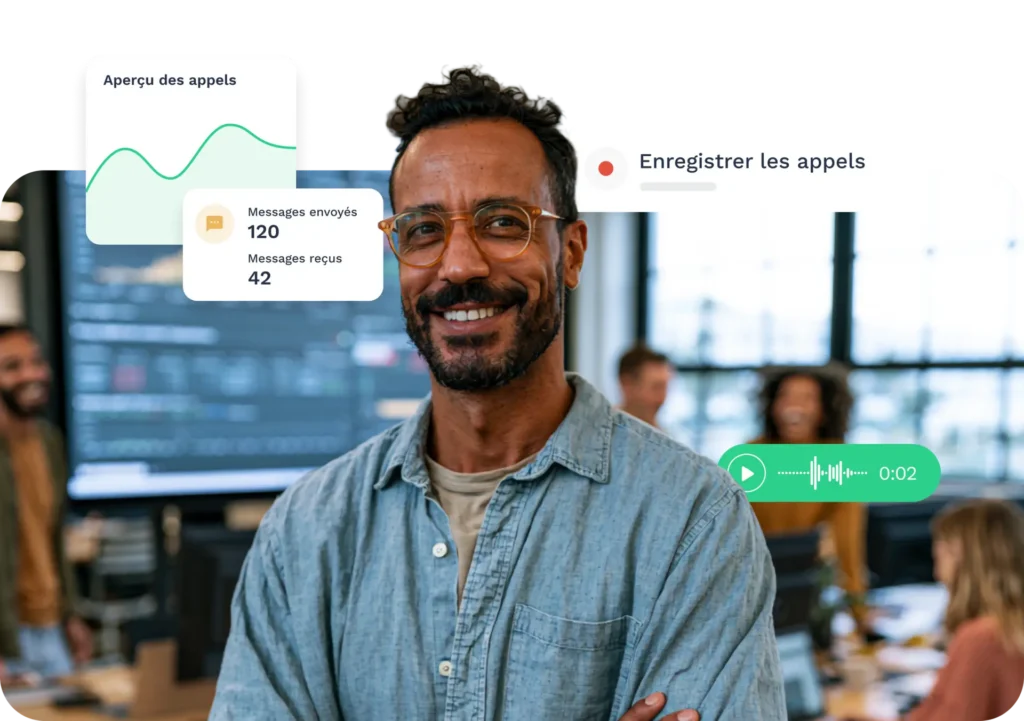
Sales on the move
- Between meetings, on the road or at a client’s office, reps can forward missed calls to the team. Prospects reach someone straight away instead of waiting for a callback.

Holidays and absences
- Before going on leave, divert your calls to a colleague in one tap. Customers keep calling the number they know, and you switch forwarding off when you’re back.

Customer service
- Share incoming calls across the team so customers aren’t left on hold or sent to voicemail. Fewer unanswered calls mean quicker answers and a more consistent experience.
How to use call forwarding on the IOS operating system?
• Press the menu button at the top left of your screen
• Scroll down to the “Options” section and then press the “Number settings” section
• Then press “Call Forwarding” and activate or deactivate the “Forward my calls” feature by using our “Onoff” toggle
• If you activate the button then you will be directed to the contact list or the previous dialing screen
• You also have the option to choose the forwarding mode “Forward all calls” or “Forward missed calls only”.
How to use call forwarding on the Android operating system?
• Press the menu button at the top left of your screen
• Scroll down to the “Options” section and then press the “Number settings” section
• Then press “Call Forwarding” and activate or deactivate the “Forward my calls” feature by using our “Onoff” toggle
• If you activate the button then you will be directed to the contact list or the previous dialing screen
• You also have the option to choose the forwarding mode “Forward all calls” or “Forward missed calls only”.
More features

Make calls by using internet connection. You don’t have to use your SIM plan for your outgoing calls.

Access your Onoff Business professional number from any smartphone, laptop or tablet.

Record a personalised answering machine or select pre-recorded announcements.
What is the difference between call forwarding and call divert?
There’s none, they’re two names for the same thing. “Call divert” and “call diversion” are common in the UK, “call forwarding” everywhere else.
How does call forwarding work?
When a call reaches your business number, Onoff Business checks your forwarding rule and sends the call to your chosen destination: a colleague, another number or voicemail. It all happens in the cloud, so your phone doesn’t need to be on.
Can I divert my business calls to my personal mobile?
Yes. You can forward calls to any mobile number. Callers still see and dial your business number.
How do I turn off call forwarding?
In the app, go to Options > Number settings > Call forwarding and switch off Forward my calls.
Will the caller know their call has been forwarded?
No. The caller dials your business number and hears it ring as usual. The call simply reaches whoever you’ve chosen to take it, with no message or change in ringtone.
Does call forwarding work when my phone is off or has no signal?
Yes. Forwarding rules run in the cloud, not on your handset, so calls are still diverted when your phone is switched off, out of battery or out of coverage.