Tools & Calculators
Help & Support
Développeur
Book a demo
Record a personalised answering machine or select pre-recorded announcements.
• Tap on the voicemail tab in the banner
• Then press the microphone icon
• Choose your language setting to use a pre-recorded message
• You can also customize your voicemail
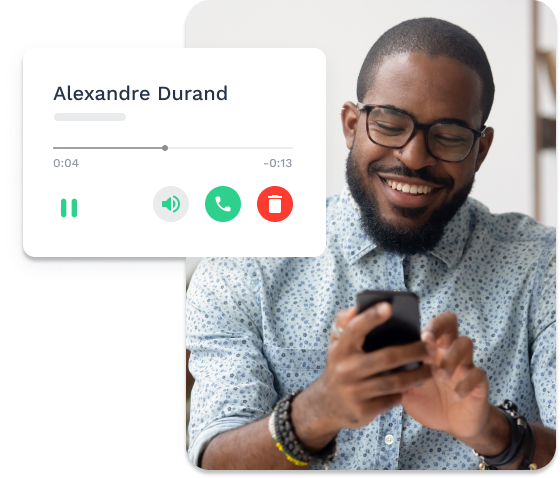
• Listen easily the messages you received for each of your numbers
Activate or deactivate incoming calls and/or SMS whenever you want, using our “Onoff” toggle.
Easily send and receive voice messages when your hands are tied or you don’t feel like typing a long message.
Send your professional SMS directly from the Onoff Business mobile application to any number.
With Onoff Business, activate or deactivate incoming calls and or SMS whenever you want. It’s super simple!