

Guide how to install HubSpot integration for your Onoff Business account
With Onoff Business and HubSpot integration, you can avoid manual data entry work and log all your teams’ mobile interactions (calls, SMS, VM) automatically in HubSpot!
The installation process takes only 2 clicks
*You will need admin rights both for the Onoff Business and HubSpot platforms or to provide the email of the Hubspot admin in your organization.
To start
- Log in to your Onoff Business admin account
- Select the Integrations page from the navigation menu
- Find and select HubSpot in the application list
Step 1: Install integration
- Click Integrate
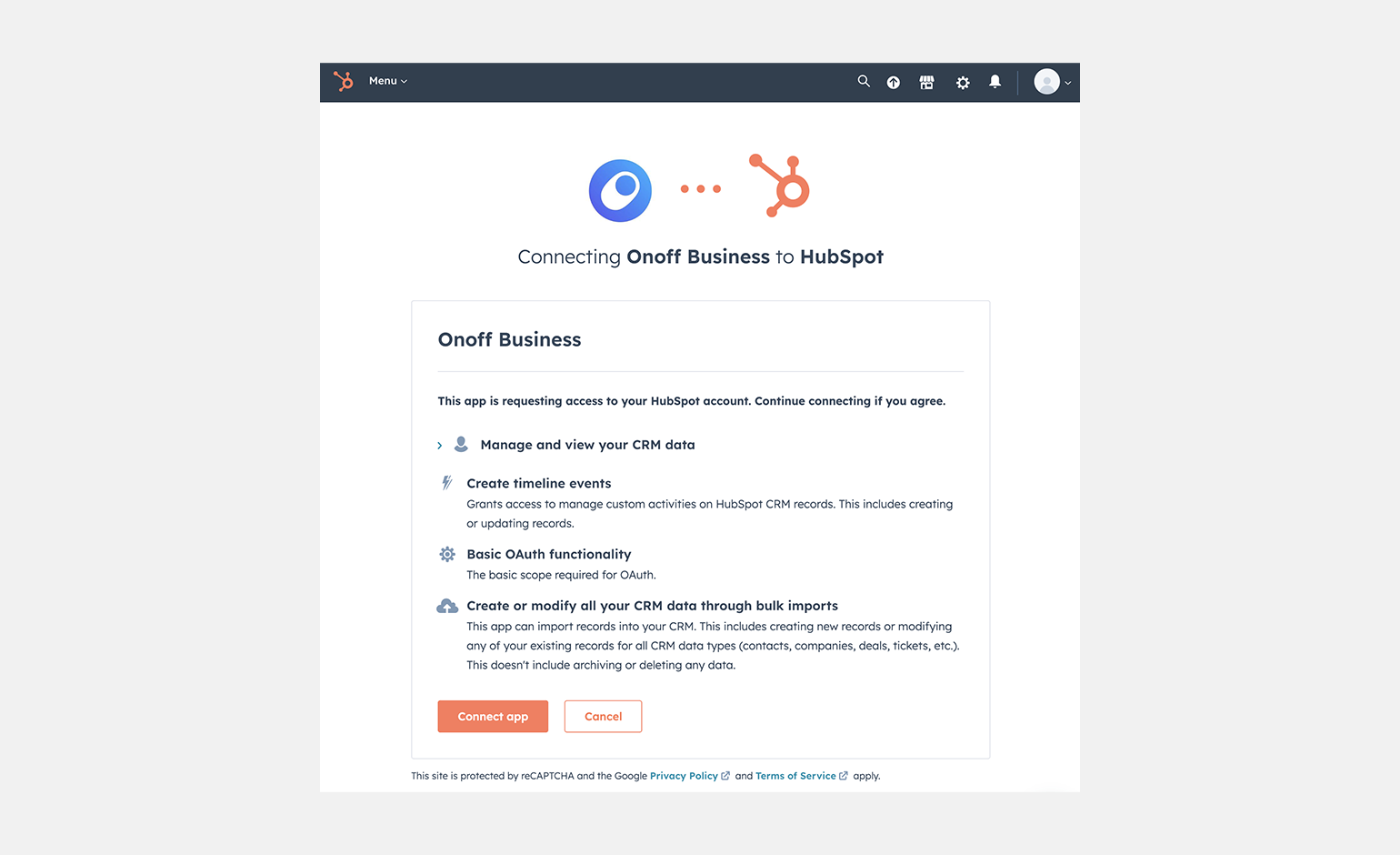
You will be redirected to Hubspot’s authorization page, where you will be able to select the HubSpot account you want to set up. Click Choose Account.
- Click Connect App to grant the permissions for Onoff to sync with your HubSpot contacts.
Step 2: Connect the Onoff number
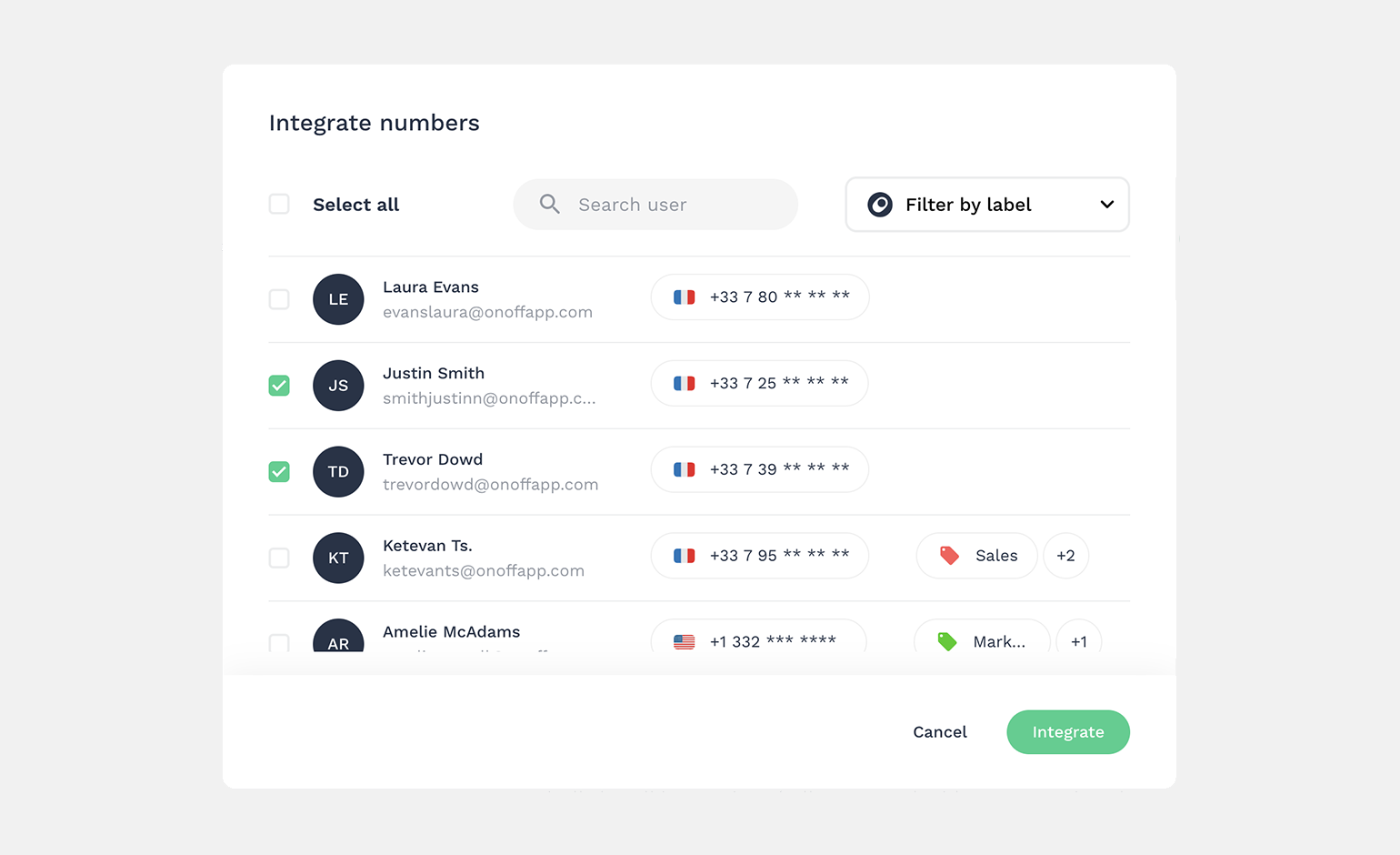
- After accepting the access, you will be redirected back to the Onoff Business admin account, where you will see Onoff user lists already open and ready to connect.
- You can choose All numbers in one click, filter by Label, or just choose several of them and click Integrate.
And that is it!
The integration is now up and running. You can come back anytime to the Onoff Business admin account to manage the integration and to add or delete users from the integration.
For more details, check our FAQ, or if you need assistance, please feel free to reach out to the Support Team, and we will be happy to help!