

Keep your business numbers when you switch to Onoff Business
Your clients already have your number. Port it to Onoff Business and it keeps working on your team’s mobiles and computers, managed from the same admin console as the rest of your lines. Mobile numbers are ported straight from the console. Landlines take one email to our support team.
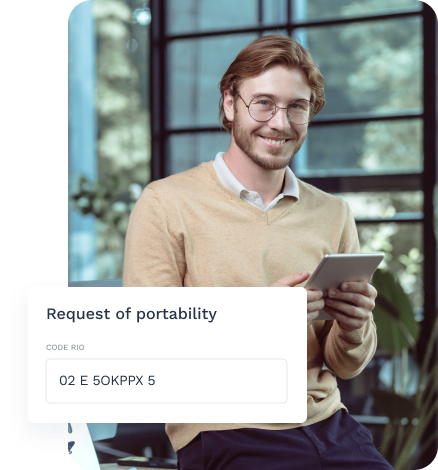
Why teams need number porting
Changing provider shouldn’t mean asking every client, supplier and partner to update a contact.

Switch provider without losing calls
- Your numbers are on invoices, email signatures, your website and Google listing. Porting moves them as they are, so nobody dials a line that has stopped working.
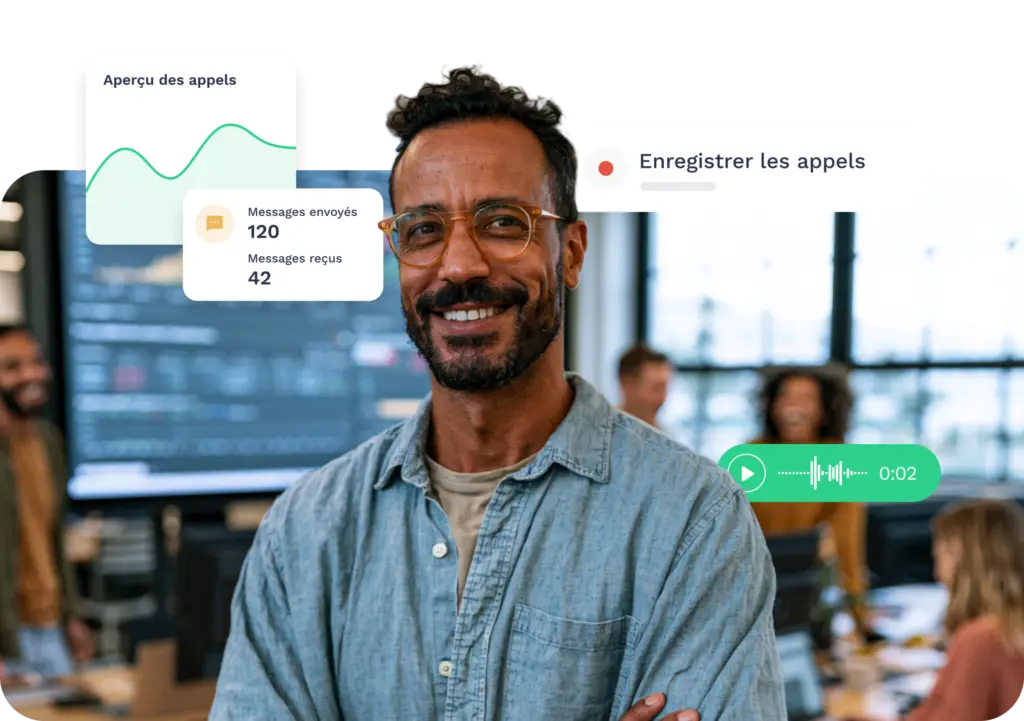
Keep the numbers your clients know
- A sales rep’s mobile number is often the one their accounts have saved for years. Port it to Onoff Business and the relationship continues on the same line, now owned and managed by the company.

Bring scattered lines under one console
- Numbers spread across several SIM contracts become virtual Onoff Business numbers. Assign, reassign and track them from one admin interface.
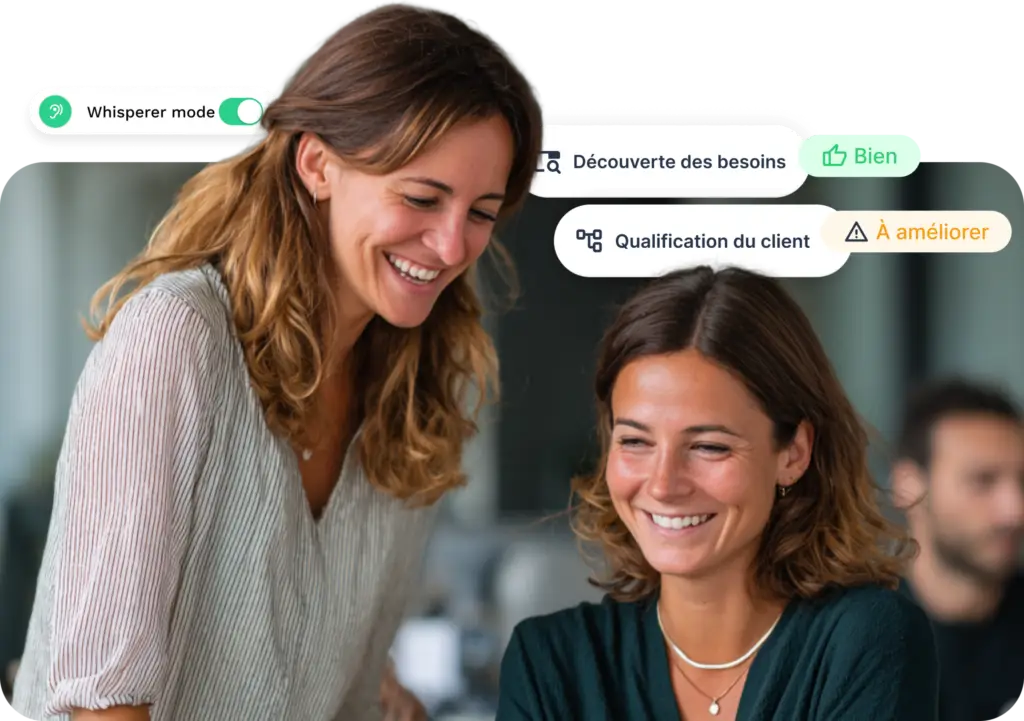
Move your main landline
-
The number on your website and shopfront can be ported too, then routed through an IVR or assigned to a team member.
* Landline porting is currently available for French numbers only.
What does number porting change for your business?
Changing numbers costs more than reprinting business cards. Porting keeps your existing contact points working from day one.
- Clients call numbers that no longer work
- Every signature, listing and document needs updating
- Numbers stay tied to personal SIMs and old contracts
- Departing employees leave with the client relationship
- Clients keep dialling the same number
- Nothing to reprint or republish
- Numbers belong to the company and sit in one console
- Ported numbers can be reassigned to a colleague
How to request a number transfer
You can port French mobile numbers directly from the Onoff Business console. To port French landline numbers or international mobile numbers, contact support@onoffbusiness.com. To port your French mobile numbers automatically, follow these steps:
- In the admin interface, go to Manage Team > Members and choose the team member
- Click “Use existing number”
- Get your RIO code: dial 3179 from the line you want to port and you’ll receive it by text
- Enter the number, your preferred porting date and the RIO code
- Click “Start porting”: we’ll let you know as soon as the number is live
More features

Assign business mobile phone numbers to your employees in a matter of clicks.

Somebody leaving the company? Reassign a number to another employee in a few clicks.
Discover how to assign landline numbers!
You can assign landline telephone numbers to your employees in a few clicks.
FAQ
Yes. You can transfer your UK number to Onoff Business through our support team. Just email support@onoffbusiness.com with the number you’d like to transfer, and we’ll guide you through the process. If you’d rather not wait, you can also get a new UK number straight away and keep your existing line until the port is complete.
Number porting or number transfer lets you switch telecoms provider while keeping your phone number, mobile or landline. In France, it’s regulated by Arcep: your new provider sends the request to your current one using the line’s RIO code, and the line is closed with your old provider once the transfer is complete.
The RIO (relevé d’identité opérateur) is a 12-character code unique to each French phone line, the French equivalent of a UK PAC code. Dial 3179 from the line you want to port: for a mobile, you’ll receive the code by text. The service is free with every French operator. For a business line, the RIO may also be in your customer account; otherwise, ask your operator.
For a French mobile number, allow 2 to 5 working days. You choose your preferred date when you submit the request. For a landline or a UK number, the timing depends on your current operator and the number of lines: our support team will confirm it when you start.
Yes. Your line stays active with your current operator until the transfer is complete. We’ll let you know as soon as the number is live in Onoff Business.
Yes. Email support@onoffbusiness.com and we’ll send you the porting mandate to sign, with step-by-step instructions. Some operators allocate landline numbers in blocks of 10, 50 or 100; in that case, the whole block may need to be ported together.
Yes, porting works both ways. Contact support with the number and your new operator. The history linked to that number (calls, messages, statistics) is then removed from your Onoff Business account.